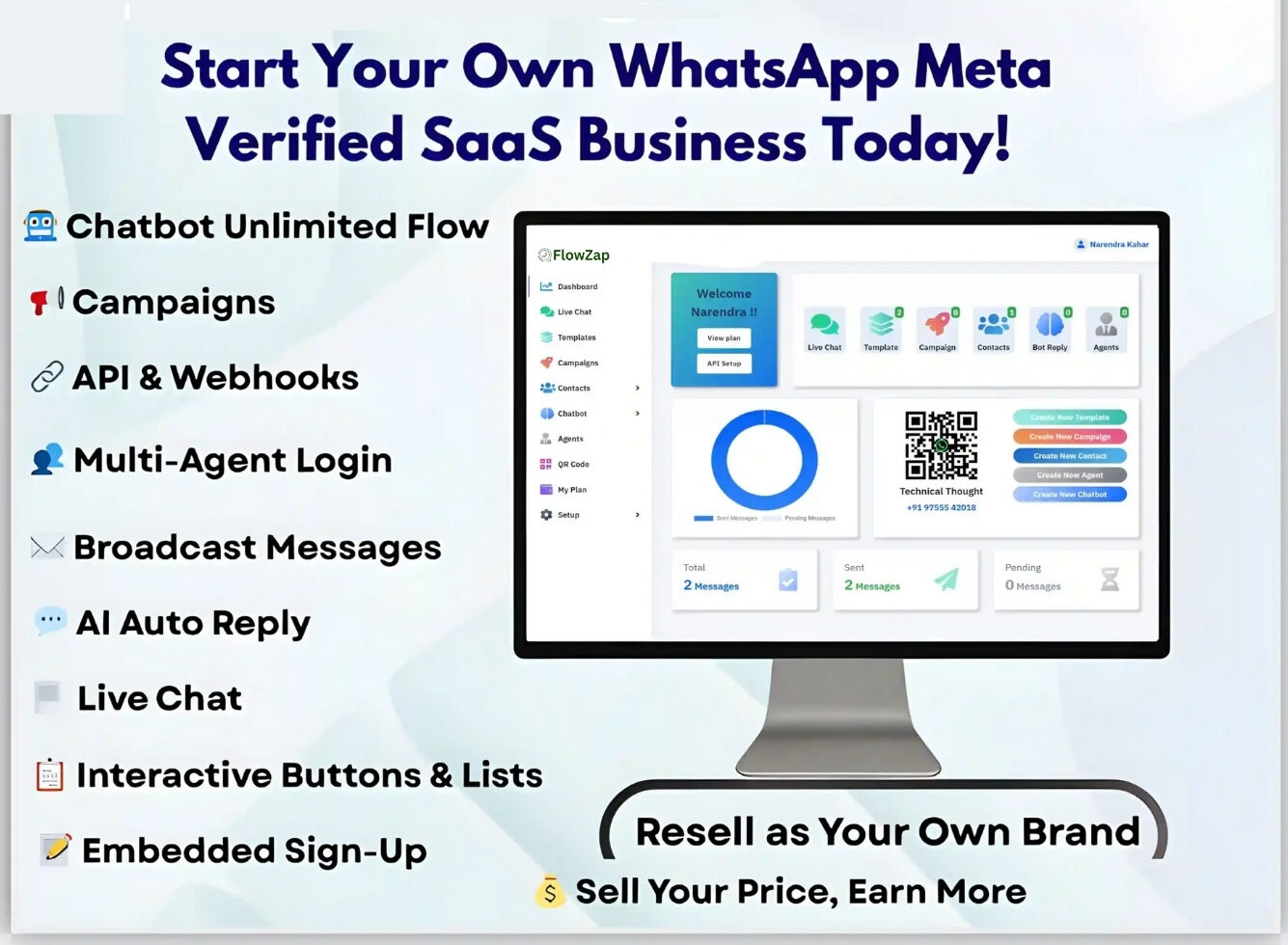
How to Become a Meta Tech Provider in 2026 (Full Process Explained)
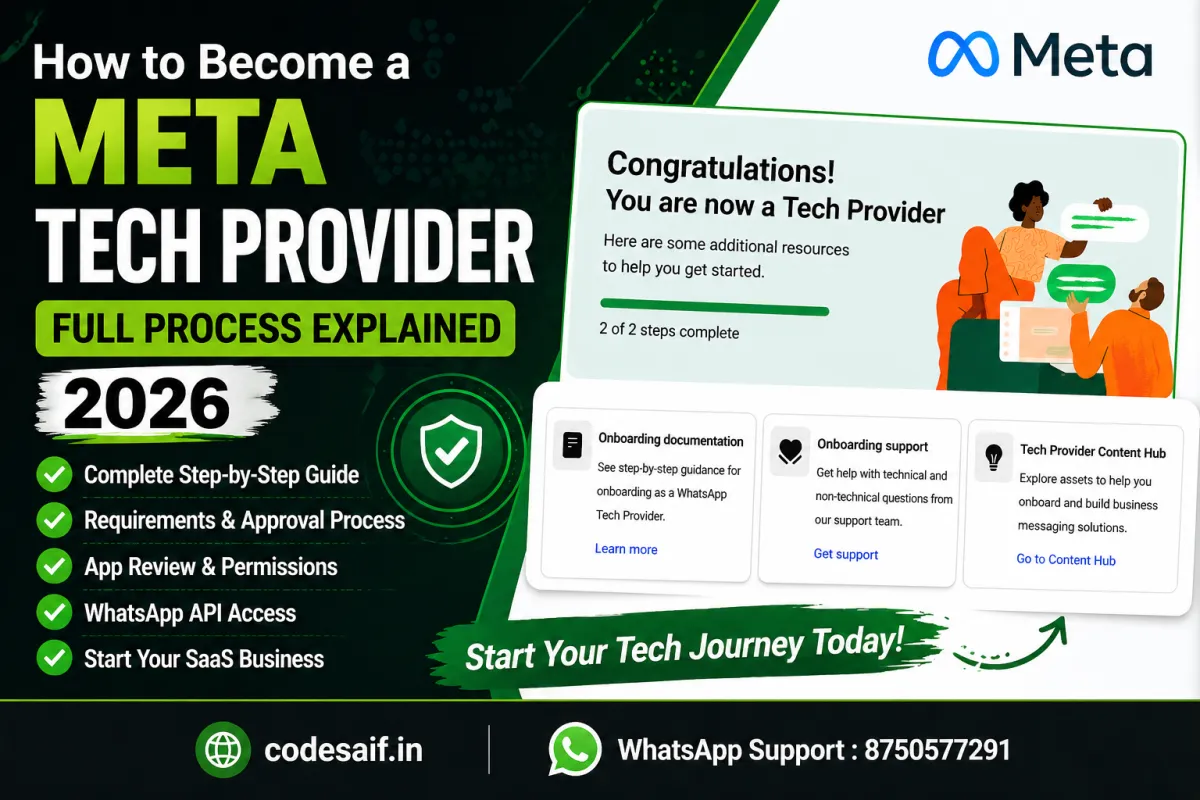
If you want to build a SaaS business, WhatsApp API platform, or automation system, becoming a Meta Tech Provider in 2026 is one of the best opportunities. With Meta’s ecosystem (Facebook, Instagram, WhatsApp), you can create scalable systems, onboard clients, and generate high monthly income. In this guide, you’ll learn the complete step-by-step process, requirements, approval methods, and how to avoid common mistakes.
Become a Meta Tech Provider
Complete setup, WhatsApp API, App Review & approval support by Codesaif.
What is a Meta Tech Provider?
A Meta Tech Provider is a developer or business that integrates with Meta platforms like WhatsApp, Facebook, and Instagram to build tools, automation systems, and APIs for clients.
- WhatsApp API platforms
- Chatbots & automation
- Marketing tools
- SaaS solutions
Requirements to Become Meta Tech Provider (2026)
Before applying, make sure you have:
- Business Manger (BM) Verification
- Developer Account
- Domain + Policy
📋 Requirements to Become Meta Tech Provider (2026)
Before applying, make sure you have the following requirements ready:
✅ Business Manager (Verified)
Must be verified in Meta Business Manager with proper legal business details or managed structure.
✅ Meta Developer Account
Create your account from Meta Developers portal and link it with your Business Manager.
✅ Domain Verification
Your domain must be verified inside Business Manager. Required for API integration and app setup.
✅ Privacy Policy & Terms
Must have Privacy Policy & Terms of Service pages hosted on your website for approval.
✅ App Setup (Important)
Create your app in Meta Developer dashboard and select proper use case (Business / WhatsApp / Messaging).
⚙️ Step-by-Step Process to Become Meta Tech Provider
Follow these important steps carefully to complete your Meta Tech Provider setup.
🔹 Step 1: Create Meta Developer App
- Go to Meta Developers
- Click Create App
- Select Business type
- Add your Business Manager
🔹 Step 2: Add WhatsApp / API Product
- Inside app → Add product → WhatsApp
- Setup WhatsApp Cloud API
- Add test number
🔹 Step 3: Setup Webhook
- Add webhook URL using your server endpoint
- Subscribe to important events:
- messages
- message_status
🚀 Stuck in Meta Tech Provider Setup?
I can help you with webhook setup, WhatsApp API integration, app review and approval support.
💬 WhatsApp Support: 8750577291🔹 Step 4: Business Verification
- Submit your business documents
- Make sure details match your Business Manager
- Wait for approval (usually 1–5 days)
🔹 Step 5: App Review (Critical Step)
You must request the following permissions:
- whatsapp_business_messaging
- whatsapp_business_management
What you need to prepare:
- Demo video (very important)
- Clear explanation of your use-case
- Show real user interaction (not dummy)
🚀 Need Help with App Review Approval?
I can help you create proper demo video, submit app review and get approval faster.
💬 WhatsApp Support: 8750577291🔹 Step 6: Go Live
- Switch app from Development → Live
- Connect real WhatsApp numbers
- Start onboarding clients
🔥 Common Errors & Fix (2026 Updated)
❌ App Review Rejected
👉 Fix:
- Clear demo video
- Real use case (not dummy)
❌ Webhook Not Working
👉 Fix:
- Check HTTPS
- Correct verify token
- Proper event subscription
❌ Business Verification Failed
👉 Fix:
- Match business name exactly
- Use valid domain email
❌ Only Test Messages Working
👉 Reason:
- App is still in development mode
👉 Fix:
- Complete app review
- Switch app to Live mode
🚀 Ready to Launch Your Meta Tech Provider Setup?
I will help you with complete setup, error fixing, and approval process.
💬 WhatsApp Support: 8750577291✅ Complete App Review + Go Live
Once your app is approved and live, you are ready to onboard real clients and start your Meta Tech Provider journey.
📈 How to Make Money as Meta Tech Provider
💰 Average Earnings
₹5,000 – ₹50,000 per client
₹5L+/month scalable model
🧠 Pro Tips (From Real Experience)
- Always use proper domain + branding
- Don’t skip demo video (most important)
- Keep system policy compliant
- Use automation (chatbot + flow builder)
- Focus on reselling model for scale
🔥 Conclusion
Becoming a Meta Tech Provider in 2026 is not difficult — but requires proper setup, correct app review, and technical understanding. Once approved, you can build a high-income SaaS business using WhatsApp API and automation tools.
🚀 Need Help? (Complete Setup Support)
If you’re stuck anywhere — verification, app review, webhook, or full setup…
👉 I can help you with:
- ✔ Complete Meta Tech Provider setup
- ✔ WhatsApp API integration
- ✔ App Review approval
- ✔ White-label SaaS (your own portal)